Miller (miller)
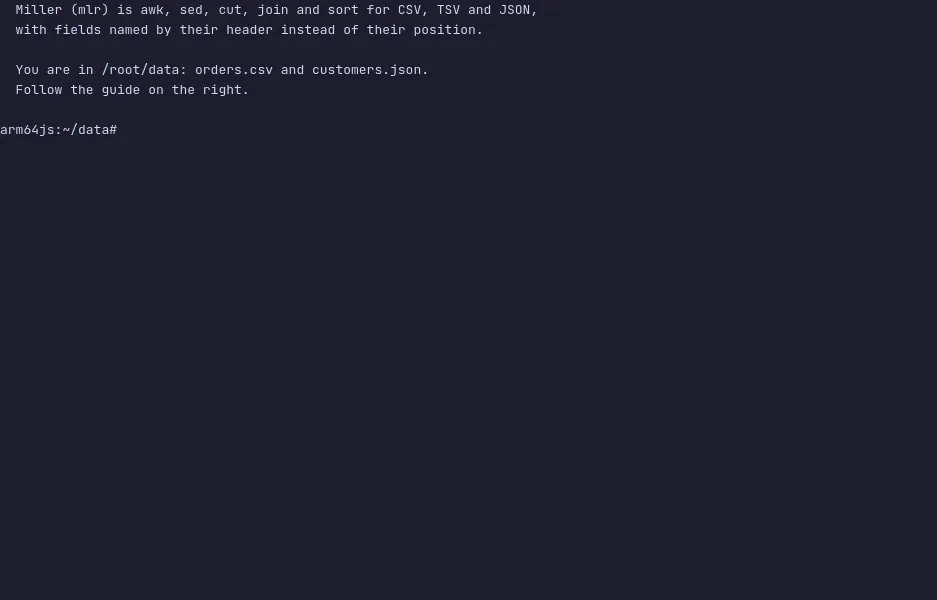
Miller (mlr) is awk, sed, cut, join and sort for data with a header
row: CSV, TSV, JSON and a few more. Fields are named by their header
instead of their position, so $price means the price column whatever
column it is in, and a file with a new column added does not break the
script.
Verbs do one thing each: cat, filter, put, sort, head,
stats1, join, nest. then chains them inside one command, like a
pipe that keeps the records typed. Numbers stay numbers, so put '$total = $qty * $price' just works, and output in JSON writes them as numbers,
not quoted strings. Formats are flags: --icsv --opprint reads CSV and
prints aligned columns, --c2j reads CSV and writes JSON. It is one Go
binary and it streams, so a file bigger than memory is fine.
The demo opens in a folder with orders.csv and a nested
customers.json. Run the first command to see the orders as a table,
then filter by country, add a total and sort by it, sum the units per
product, and convert to and from JSON. The VM is private to your browser
tab; nothing you type leaves it.
Commands to try
mlr --icsv --opprint cat orders.csv | a CSV file as aligned columns |
mlr --c2p filter '$country == "Germany"' orders.csv | only the rows that match; fields are named with $ |
mlr --c2p put '$total = $qty * $price' then sort -nr total then head -n 3 orders.csv | a new column, sorted, top three; then chains verbs |
mlr --c2p stats1 -a count,sum -f qty -g product then sort -nr qty_sum orders.csv | units per product |
mlr --c2j head -n 2 orders.csv | CSV to JSON, with numbers as numbers |
mlr --ijson --opprint cat customers.json | nested JSON flattened into columns like address.city |
Install Miller on your own machine
| Alpine | apk add miller |
| Debian / Ubuntu | apt install miller |
| macOS (Homebrew) | brew install miller |
This VM was last built on Oct 17, 2026. How Demoshell demos work →
Similar tools you can try here
- curl — The command-line tool for transferring data with URLs, sending requests to a local httpbin server in a private Linux VM.
- curlie — Httpie's syntax and coloured output on top of curl, every curl option still there, run against a local server in a private Linux VM.
- pet — The command-line snippet manager that saves a long command once and finds it by what it does, live in a private Linux VM.
- navi — Interactive cheatsheets for the command line that pick a command, fill in its arguments and run it, in a private Linux VM.
- Black — The uncompromising Python code formatter, in a playground backed by blackd running in a private Linux VM.