ripgrep searches a whole directory tree by regex and tells you how long it
took. It skips what .gitignore lists and what is binary without being
asked, which is most of the reason it is quick.
The other reason is the engine: Rust's regex library with SIMD
acceleration, parallel directory walking, and memory maps where they
help. It searches by file type (-t py), reads compressed files, handles
Unicode properly, and prints the same output format as grep, so it drops
into scripts and editor integrations that expected grep.
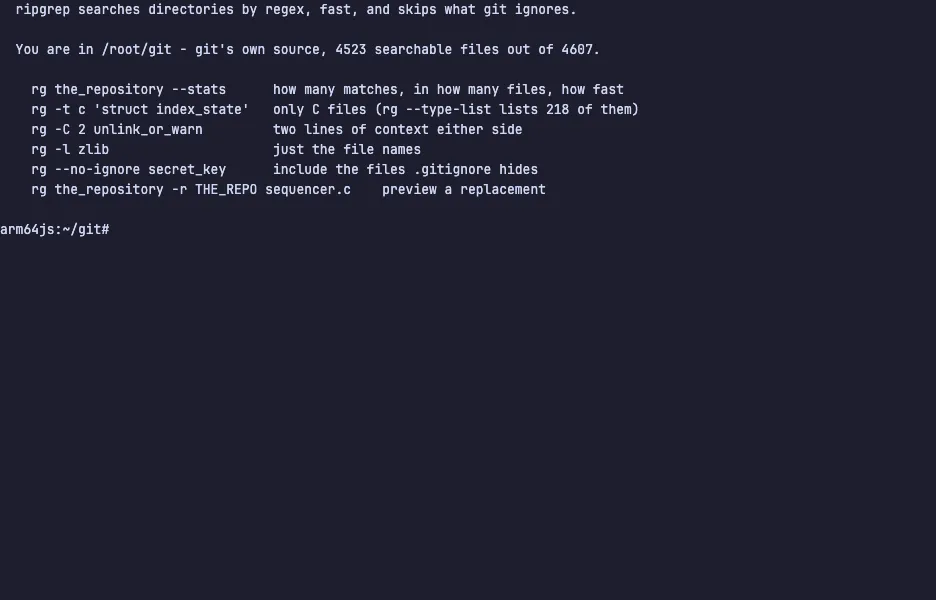
The demo opens git's own source — 4,523 files it will search and 84 more
it will skip. Try rg the_repository --stats, then -t c to search only
the C files, -C 2 for the lines around each hit, -l for file names
only, and --no-ignore to look inside the one file .gitignore has been
hiding. The VM is private to your browser tab; nothing you type leaves it.
Commands to try
rg the_repository --stats | how many matches in how many files, and how long it took |
rg -t c 'struct index_state' | only the C files |
rg -C 2 unlink_or_warn | two lines of context either side of each hit |
rg -l zlib | just the file names |
rg --no-ignore secret_key | include the files .gitignore hides |
rg the_repository -r THE_REPO sequencer.c | preview a replacement |
Install ripgrep on your own machine
| Alpine | apk add ripgrep |
| Debian / Ubuntu | apt install ripgrep |
| macOS (Homebrew) | brew install ripgrep |
| cargo | cargo install ripgrep |
This VM was last built on Oct 15, 2026. How Demoshell demos work →
Similar tools you can try here
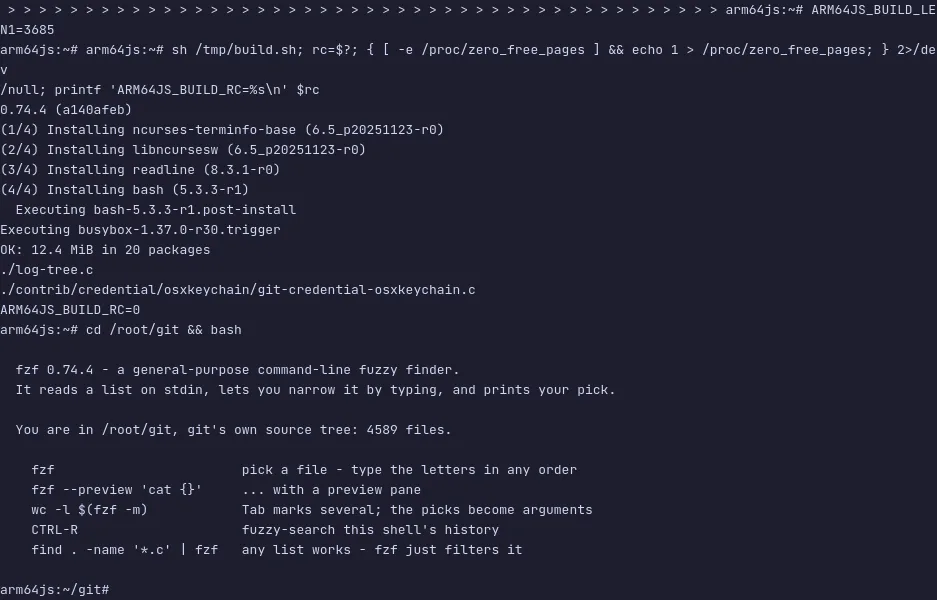
- fzf — The command-line fuzzy finder. Type a few letters in any order to pick from files, history or any list, live in a private VM.
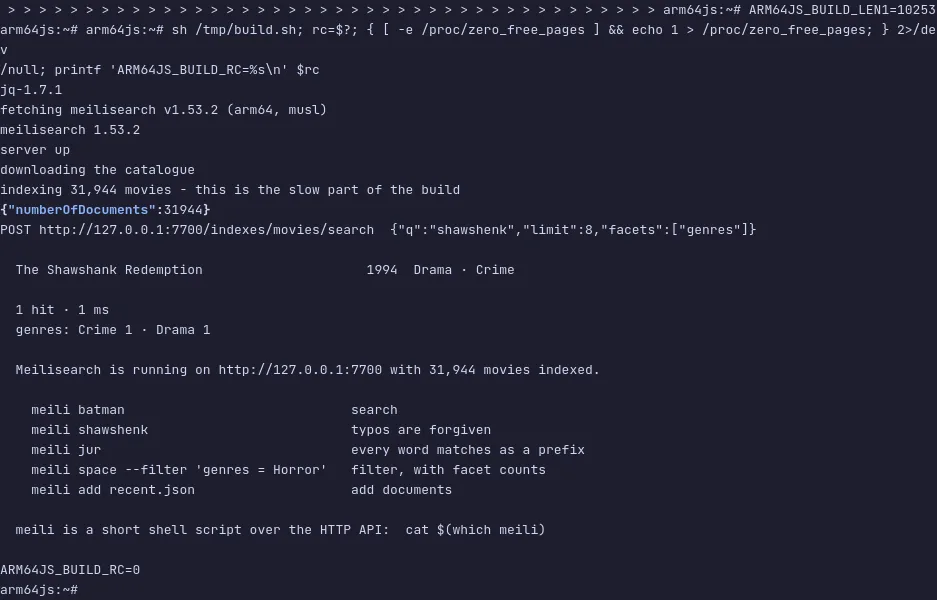
- Meilisearch — A search engine with typo tolerance, prefix matching and facets on by default, over 31,944 movies in a private VM.