Midday Commander (mdc)
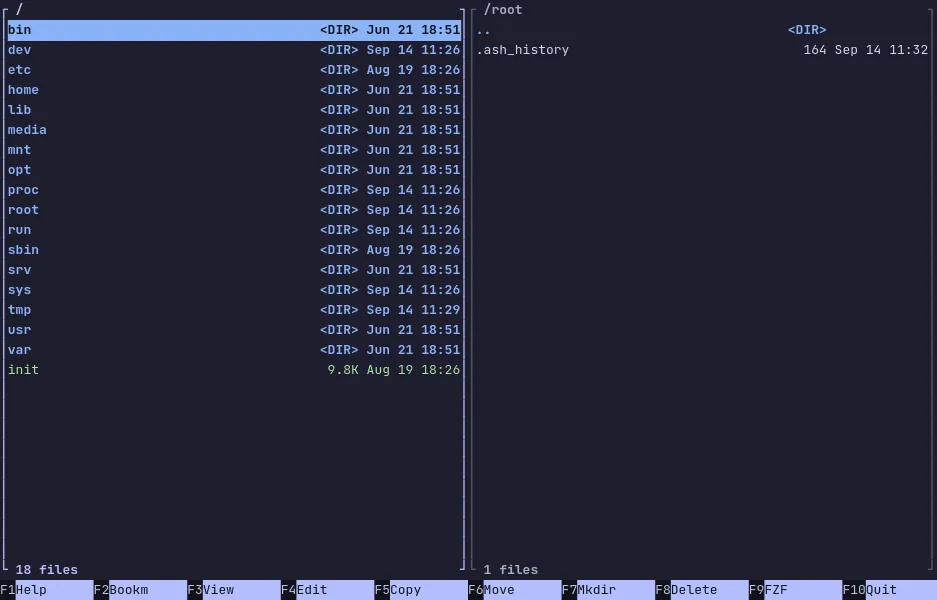
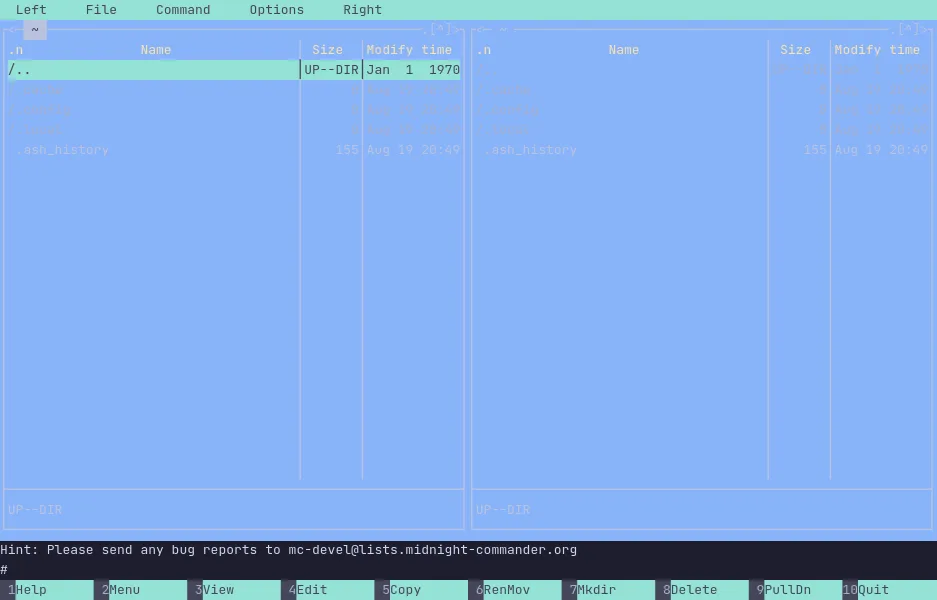
Midday Commander is a dual-panel file manager in the style of Midnight Commander, written in Go and shipped as a single binary. Two directories side by side, the function keys to copy and move between them, and a fuzzy finder, bookmarks, themes and archives you can step into as if they were ordinary folders.
It keeps the habits of the classic — the panel layout, the function-key bar, the command line under the panels — and adds what people reach for a plugin to get elsewhere: a fuzzy finder over the whole tree, a preview of the file under the cursor in the opposite panel, and colour themes. Being one static binary, it installs anywhere Go runs, with no runtime to set up first.
The demo opens with mdc already running. Tab switches panels, the arrow
keys or j and k move, Enter opens whatever is under the cursor and
Backspace goes back up. F9 opens the fuzzy finder, F2 the bookmarks,
Ctrl-Q previews the selected file in the other panel, and F1 lists
every key. The VM is private to your browser tab; nothing you type leaves
it.
Keys to know
Tab | switch between the two panels |
Enter | open the directory or file under the cursor |
Backspace | go up one directory |
F5 | copy to the other panel |
F6 | move to the other panel |
F9 | open the fuzzy finder |
F2 | open the bookmarks |
Ctrl-Q | preview the selected file in the other panel |
F1 | list every key |
Install Midday Commander on your own machine
| macOS (Homebrew) | brew install kooler/apps/middaycommander |
| Debian / Ubuntu | curl -1sLf 'https://dl.cloudsmith.io/public/kooler/mdc/setup.deb.sh' | sudo -E bash && sudo apt install mdc |
| Fedora / RHEL | curl -1sLf 'https://dl.cloudsmith.io/public/kooler/mdc/setup.rpm.sh' | sudo -E bash && sudo dnf install mdc |
| mise | mise use --global github:kooler/MiddayCommander |
This VM was last built on Oct 2, 2026. How Demoshell demos work →
Similar tools you can try here
- Midnight Commander — The classic two-panel terminal file manager, running live in a private Linux VM. Nothing to install.
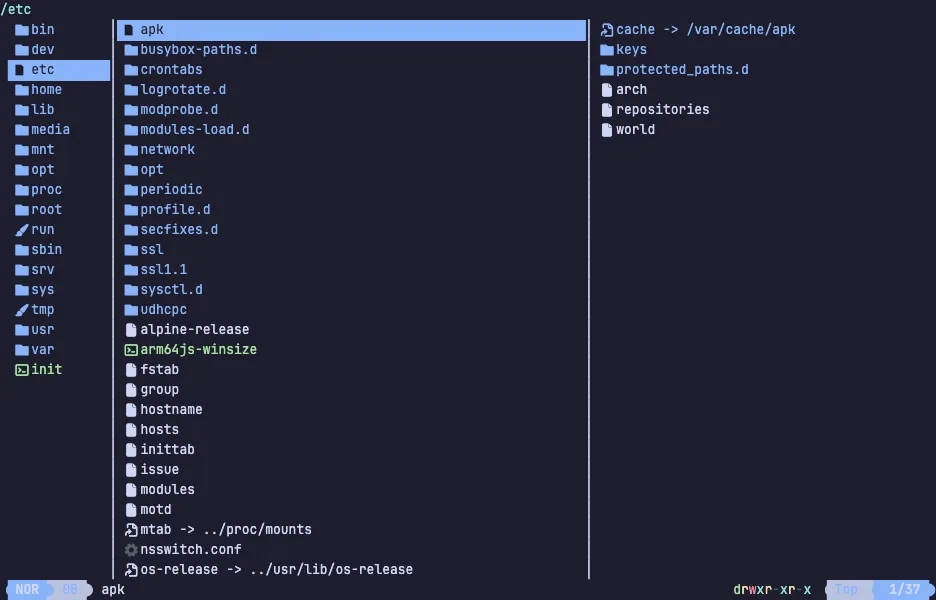
- Yazi — The fast terminal file manager in Rust with vim keys and live file previews, running in a private Linux VM. Nothing to install.
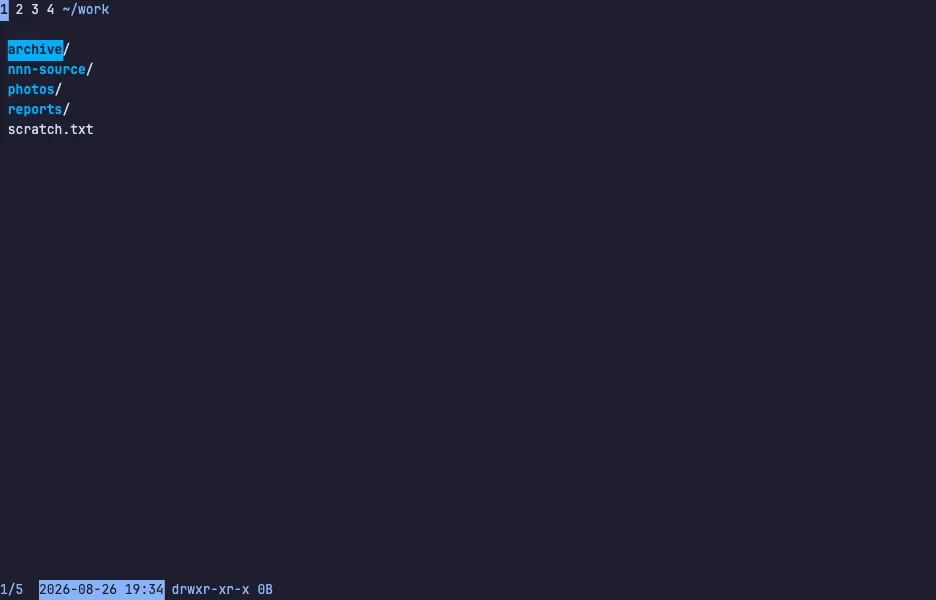
- nnn — The tiny, fast terminal file manager that filters as you type, with four contexts and plugins, running live in a private Linux VM.
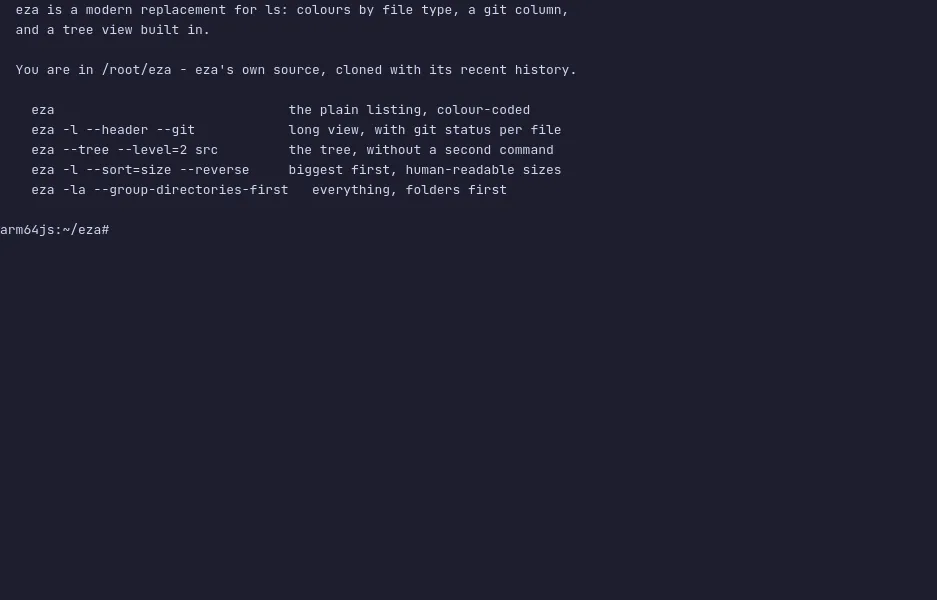
- eza — The modern ls replacement with meaningful colours, a git status column and a built-in tree view, running live in a private Linux VM.
- lsd — Ls with icons, colours, a tree view and a git column, run over a real source tree in a private Linux VM.
- dust — The du replacement that shows where disk space goes as a tree with bars, run over a sample workspace in a private Linux VM.
- FileBrowser Quantum — A self-hosted web file manager with indexed search, sharing and an editor, live in a private Linux VM.