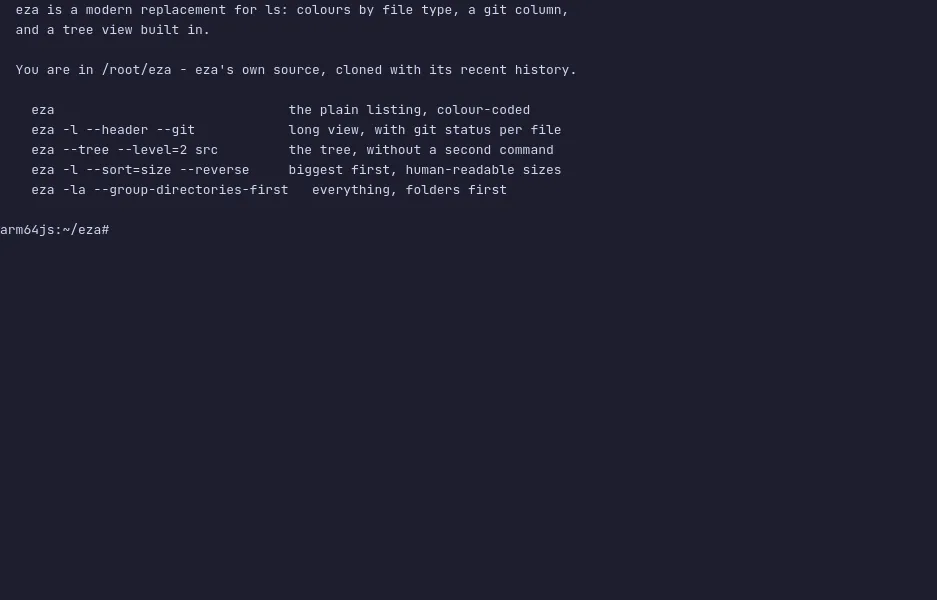
eza is a modern replacement for ls — colours that mean something, a
column showing what git thinks of each file, and a tree view built in, so
there is no second command to reach for.
It is the maintained fork of exa. Sizes come out human-readable, columns
line up, directories can be grouped first, and --git adds a column with
each file's status — modified, new, staged, ignored — so you can see the
state of a checkout without running git status. Most people alias ls
to it and stop thinking about it.
The demo opens in eza's own source, cloned with its recent history and
three pending changes. Run eza -l --header --git for the git column,
eza --tree --level=2 src for the tree, and eza -l --sort=size --reverse to put the big files at the top. The VM is private to your
browser tab; nothing you type leaves it.
Commands to try
eza | the plain listing, colour-coded by file type |
eza -l --header --git | the long view with a git status column |
eza --tree --level=2 src | a tree two levels deep |
eza -l --sort=size --reverse | biggest files first |
eza -la --group-directories-first | everything, folders first |
Install eza on your own machine
| Alpine | apk add eza |
| Debian 13+ / Ubuntu 24.10+ | apt install eza |
| macOS (Homebrew) | brew install eza |
| Arch | pacman -S eza |
| cargo | cargo install eza |
This VM was last built on Oct 15, 2026. How Demoshell demos work →
Similar tools you can try here
- Midnight Commander — The classic two-panel terminal file manager, running live in a private Linux VM. Nothing to install.
- Midday Commander — A dual-panel terminal file manager in Go with a fuzzy finder, bookmarks and archive browsing, live in a private VM.
- Yazi — The fast terminal file manager in Rust with vim keys and live file previews, running in a private Linux VM. Nothing to install.
- nnn — The tiny, fast terminal file manager that filters as you type, with four contexts and plugins, running live in a private Linux VM.
- lsd — Ls with icons, colours, a tree view and a git column, run over a real source tree in a private Linux VM.
- dust — The du replacement that shows where disk space goes as a tree with bars, run over a sample workspace in a private Linux VM.
- FileBrowser Quantum — A self-hosted web file manager with indexed search, sharing and an editor, live in a private Linux VM.