Yazi (yazi)
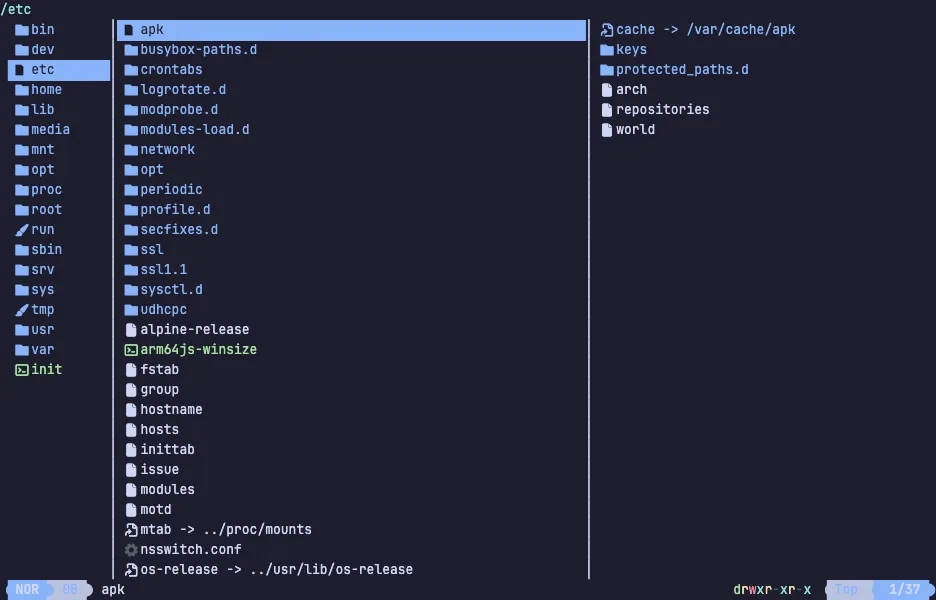
Yazi is a terminal file manager written in Rust — vim-style keys, and a preview of whatever the cursor is sitting on, driven by async I/O so nothing blocks while it reads a directory.
The screen is three columns: the parent directory, the current one, and a preview of the selected entry — text, images, archives, PDFs and video frames when the helper programs are installed. Selections, yank and paste work across directories, tabs keep several places open at once, and plugins and themes are written in Lua. It is fast enough that scrolling a directory of ten thousand files feels like scrolling a text file.
Move with the arrow keys or j and k, step into a directory with l
and back out with h, and watch the right-hand pane preview each file as
you go. The VM is private to your browser tab; nothing you type leaves it.
Keys to know
j / k | move down and up |
l / Enter | enter the directory or open the file |
h | go back up |
Space | select the file under the cursor |
y | yank (copy) the selection |
x | cut the selection |
p | paste |
d | move the selection to the trash |
/ | find by name in the current directory |
~ | show every key |
q | quit |
Install Yazi on your own machine
| Alpine | apk add yazi |
| macOS (Homebrew) | brew install yazi |
| Arch | pacman -S yazi |
| cargo | cargo install --locked yazi-fm yazi-cli |
This VM was last built on Oct 15, 2026. How Demoshell demos work →
Similar tools you can try here
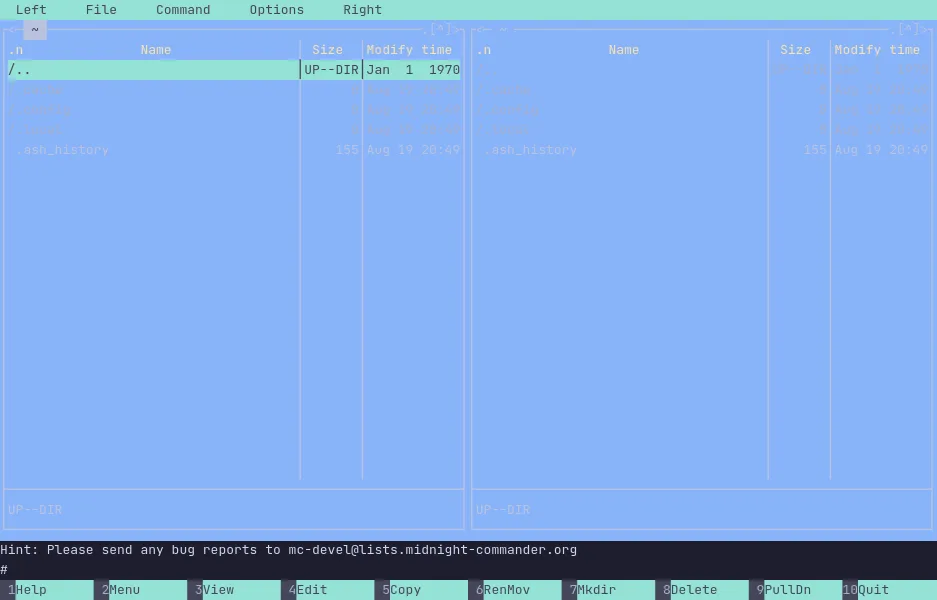
- Midnight Commander — The classic two-panel terminal file manager, running live in a private Linux VM. Nothing to install.
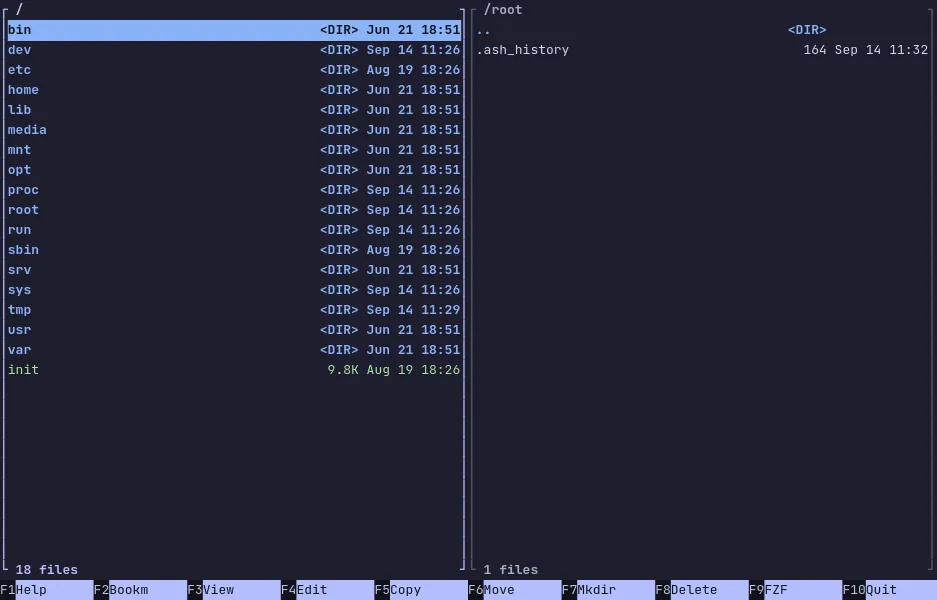
- Midday Commander — A dual-panel terminal file manager in Go with a fuzzy finder, bookmarks and archive browsing, live in a private VM.
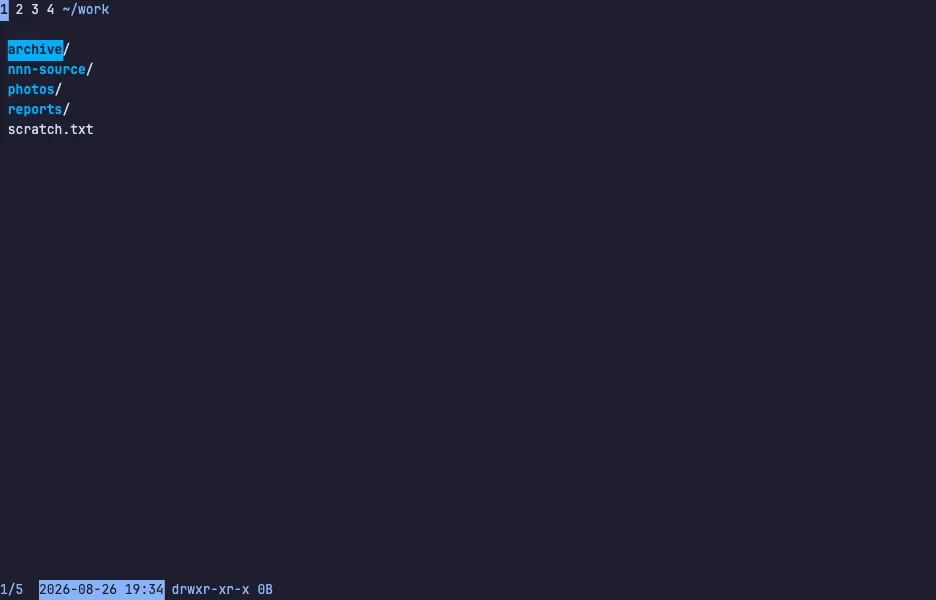
- nnn — The tiny, fast terminal file manager that filters as you type, with four contexts and plugins, running live in a private Linux VM.
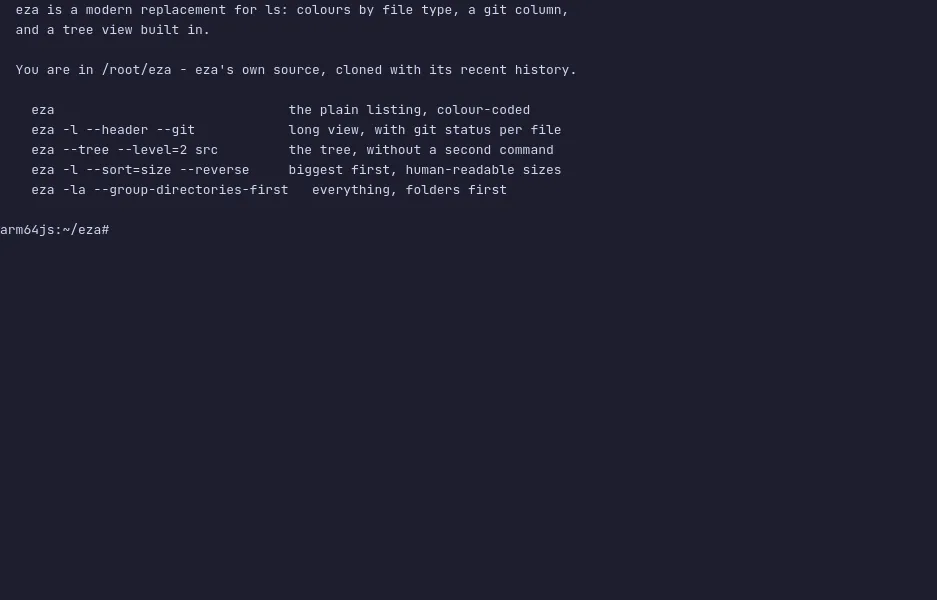
- eza — The modern ls replacement with meaningful colours, a git status column and a built-in tree view, running live in a private Linux VM.
- lsd — Ls with icons, colours, a tree view and a git column, run over a real source tree in a private Linux VM.
- dust — The du replacement that shows where disk space goes as a tree with bars, run over a sample workspace in a private Linux VM.
- FileBrowser Quantum — A self-hosted web file manager with indexed search, sharing and an editor, live in a private Linux VM.