FileBrowser Quantum (filebrowser)
FileBrowser Quantum is a web file manager you run on your own server: one Go binary that serves a folder as a site with search, previews, an editor, uploads and share links. It is a fork of File Browser with an index behind the search, so results appear as you type, from every folder, instead of after a walk of the disk.
Files stay plain files on disk. The index is rebuilt in the background,
share links can expire, take a password or accept uploads, and the
duplicate finder compares size, type, name and a checksum of the
content. Users, folders and the rest live in one YAML file; with noauth
set, as in this demo, the page opens without a login.
This demo opens a web page, not a terminal: the shared drive of a small
travel agency, with brochure photos, client folders and a finance sheet.
Press / and type invoice to search, open todo.txt and save a change
with Ctrl-S, share the Oak Street School folder, and run the duplicate
finder on the Downloads folder. A terminal opens under the page, where
cat /srv/team/todo.txt shows the edit landed on disk. The VM is
private to your browser tab; nothing you type leaves it.
Keys to know
/ | search the whole drive as you type |
Ctrl-S | save the file open in the editor |
File actions, then Share | a link to a folder that needs no account |
Tools, then Duplicate File Finder | files with the same content |
cat /srv/team/todo.txt | in the terminal under the page: the file you edited, changed on disk |
cat /etc/filebrowser/config.yaml | the whole setup, one file |
Install FileBrowser Quantum on your own machine
| Docker | docker run -d -v $(pwd):/srv -p 80:80 ghcr.io/gtsteffaniak/filebrowser:stable |
| Linux | curl -L -o filebrowser https://github.com/gtsteffaniak/filebrowser/releases/latest/download/linux-amd64-filebrowser && chmod +x filebrowser |
This VM was last built on Oct 13, 2026. How Demoshell demos work →
Similar tools you can try here
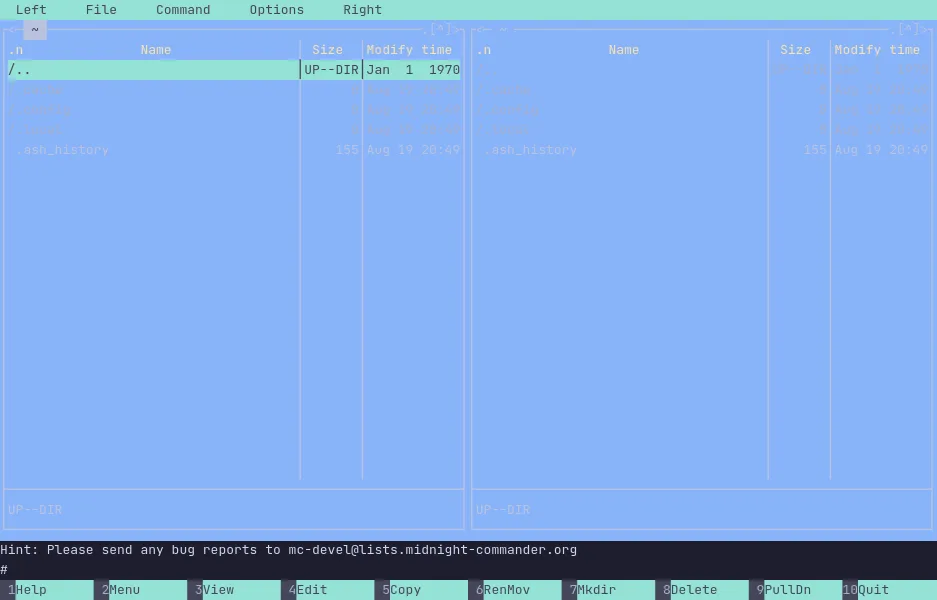
- Midnight Commander — The classic two-panel terminal file manager, running live in a private Linux VM. Nothing to install.
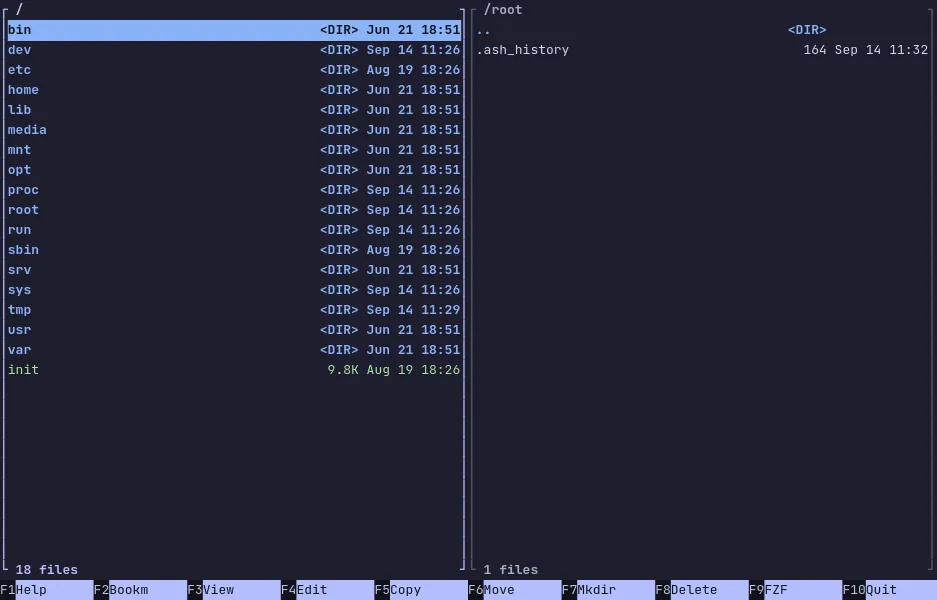
- Midday Commander — A dual-panel terminal file manager in Go with a fuzzy finder, bookmarks and archive browsing, live in a private VM.
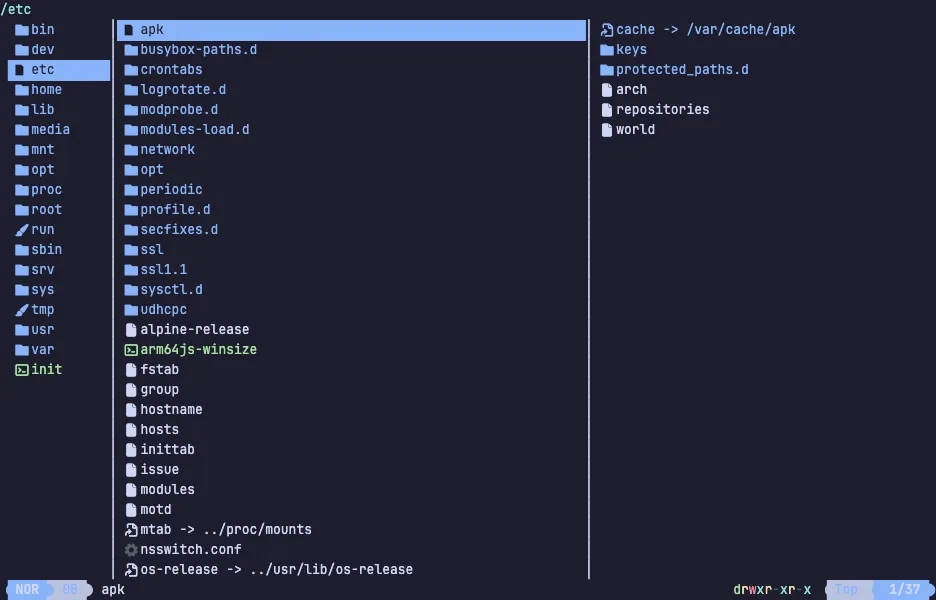
- Yazi — The fast terminal file manager in Rust with vim keys and live file previews, running in a private Linux VM. Nothing to install.
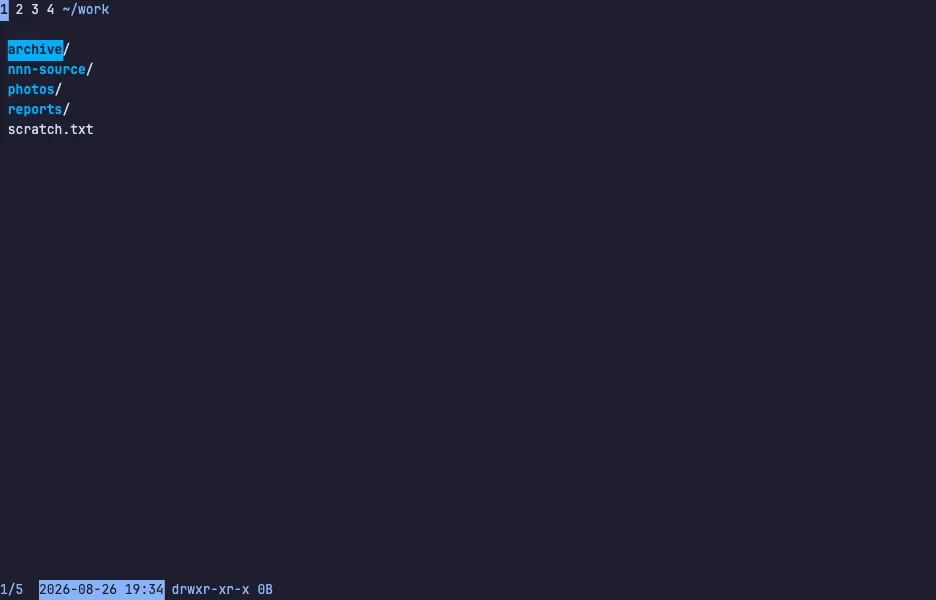
- nnn — The tiny, fast terminal file manager that filters as you type, with four contexts and plugins, running live in a private Linux VM.
- eza — The modern ls replacement with meaningful colours, a git status column and a built-in tree view, running live in a private Linux VM.
- lsd — Ls with icons, colours, a tree view and a git column, run over a real source tree in a private Linux VM.
- dust — The du replacement that shows where disk space goes as a tree with bars, run over a sample workspace in a private Linux VM.