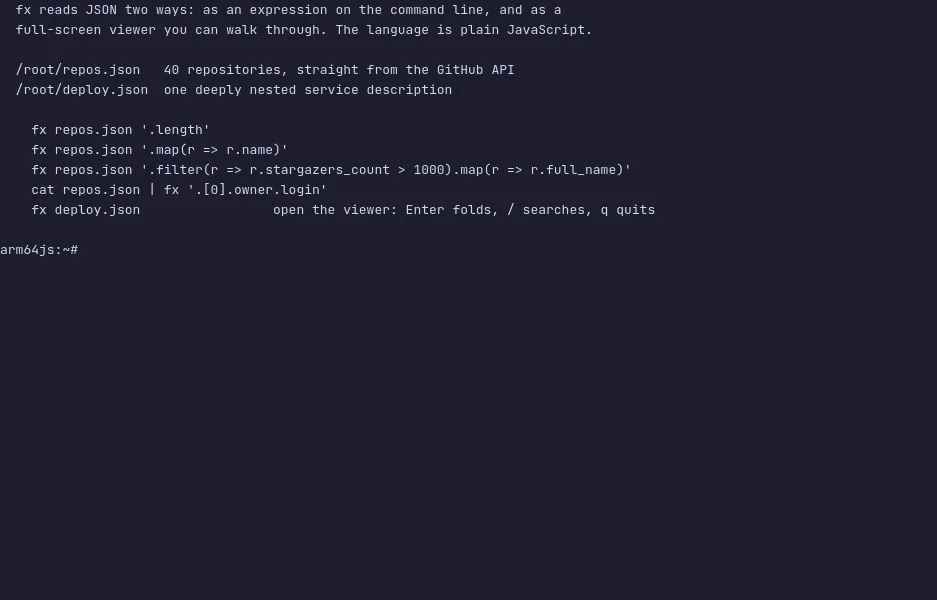
fx queries JSON with plain JavaScript — .filter, .map and ordinary
property access, the methods you already know, instead of another
expression language to learn. Given no expression at all, it opens a
full-screen viewer instead.
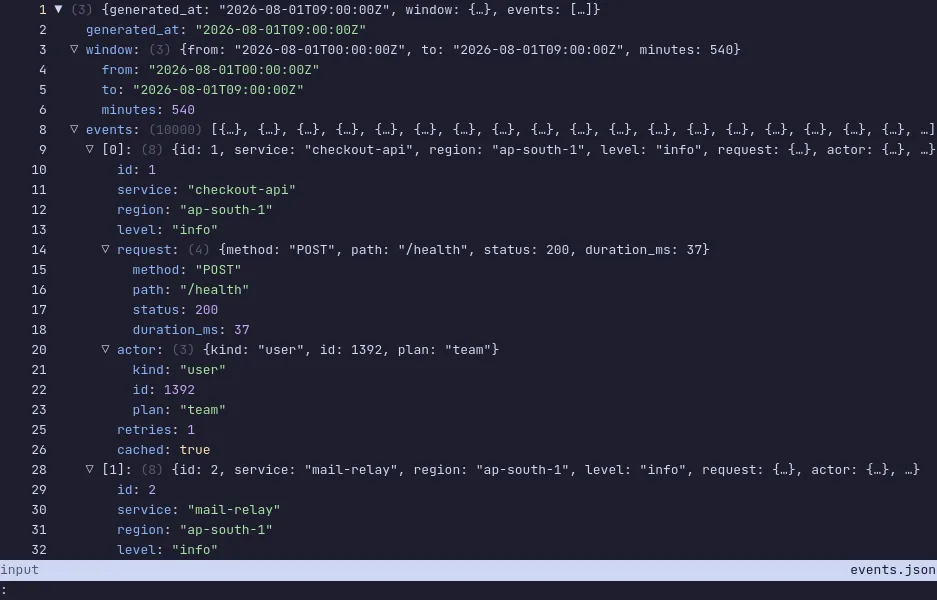
The viewer streams, so a large file opens at once; it folds and unfolds
nodes, searches, shows the path to the cursor, and can hand the value
under it back to the command line. Expressions chain — each one gets the
output of the last — and anything that is not valid JavaScript is tried
as a property path, so fx file.json .items[0].name works with no
quoting at all.
The demo has a page of the GitHub API sitting on disk. Run fx repos.json '.length', then '.map(r => r.name)', then a filter chained onto a map.
fx deploy.json with no expression opens the viewer, where Enter folds
and unfolds the line under the cursor and / searches. The VM is private
to your browser tab; nothing you type leaves it.
Commands to try
fx repos.json '.length' | how many entries |
fx repos.json '.map(r => r.name)' | one field from each |
fx repos.json '.filter(r => r.stargazers_count > 100).map(r => r.name)' | a filter chained onto a map |
fx deploy.json | the interactive viewer |
Enter | fold or unfold the line under the cursor (in the viewer) |
/ | search (in the viewer) |
Install fx on your own machine
| Alpine | apk add fx |
| macOS (Homebrew) | brew install fx |
| Go | go install github.com/antonmedv/fx@latest |
| npm | npm install -g fx |
This VM was last built on Oct 15, 2026. How Demoshell demos work →