glow renders markdown for a terminal — tables, task lists, block quotes and highlighted code all laid out and wrapped, rather than printed as source. With no arguments it browses a directory of markdown files instead.
It is what you want for reading a README over ssh, or checking how a
document will look before you push it. Styles are JSON files, so a light
theme, a dark theme and your own are a flag away; -w sets the wrap
width; and it reads from a file, a URL or standard input, so curl … | glow - works too. It is part of the Charm family of terminal tools.
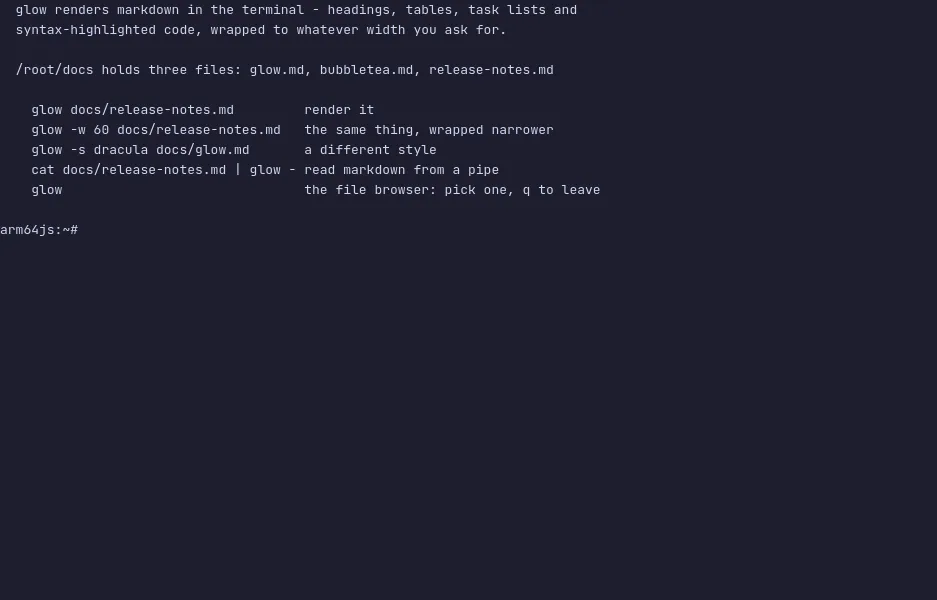
The demo has three documents in /root/docs. Run glow docs/release-notes.md to see a table and a task list rendered, -w 60 to
lay the same document out narrower, -s dracula for a different style
sheet, and plain glow to browse. The VM is private to your browser tab;
nothing you type leaves it.
Commands to try
glow docs/release-notes.md | render a document with a table and a task list |
glow -w 60 docs/release-notes.md | the same document laid out narrower |
glow -s dracula docs/release-notes.md | a different style sheet |
glow -p docs/release-notes.md | read it in a pager |
glow | browse the markdown files in this directory |
Install glow on your own machine
| Alpine | apk add glow |
| macOS (Homebrew) | brew install glow |
| Arch | pacman -S glow |
| Go | go install github.com/charmbracelet/glow@latest |
This VM was last built on Oct 15, 2026. How Demoshell demos work →