Helix is a modal editor that puts the selection first: you can always see what the next command will act on before you run it. Syntax highlighting, multiple cursors and language support come built in — there are no plugins to install.
Where Vim says "delete a word" as dw, Helix says "select a word" (w)
and then "delete" (d), so the thing about to change is highlighted on
screen before anything happens. The same idea gives you multiple cursors
for free: select every match, and every edit applies to all of them.
Language servers and tree-sitter grammars ship with the editor, so
completion, go-to-definition and structural selection work on a fresh
install.
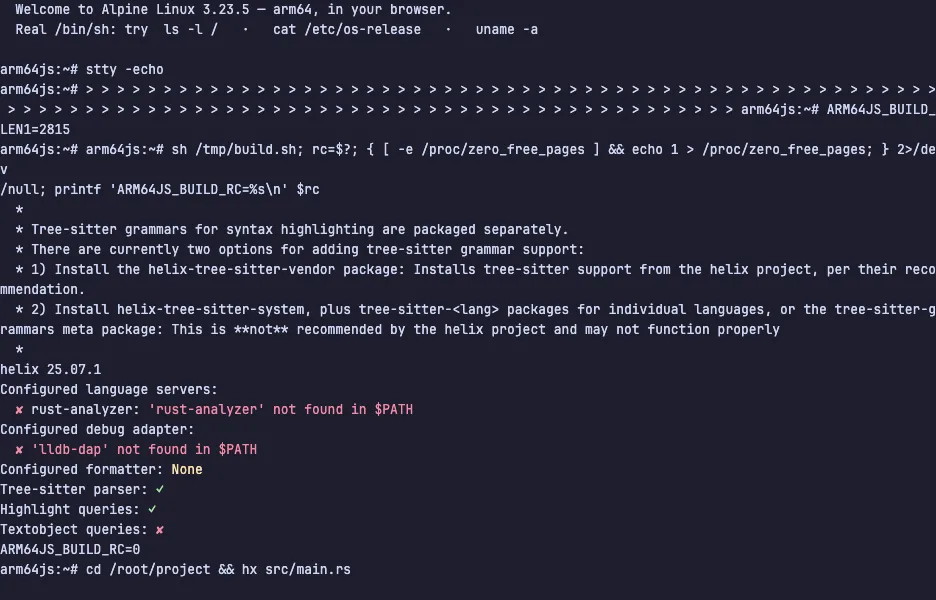
The demo opens a small Rust program. Press w a few times and watch each
word get selected as the cursor moves, x then c to change a whole
line, and % then s to put a cursor on every copy of a name and rename
them all at once. Space is the menu key for everything you have not
memorised. The VM is private to your browser tab; nothing you type leaves
it.
Keys to know
w | select the next word |
x | select the whole line |
c | change the selection |
d | delete the selection |
u | undo |
% | select the whole file |
s | select every match of a pattern inside the selection |
i | insert before the selection |
Space | open the menu of pickers and commands |
:q | quit |
Install Helix on your own machine
| Alpine | apk add helix |
| macOS (Homebrew) | brew install helix |
| Arch | pacman -S helix |
| Windows | winget install Helix.Helix |
This VM was last built on Oct 15, 2026. How Demoshell demos work →
Similar tools you can try here
- Neovim Tutor — Learn Vim in your browser with Neovim's built-in interactive tutorial (vimtutor), running live in a private Linux VM. Nothing to install.
- micro — The terminal editor with ordinary shortcuts, mouse support, multiple cursors and syntax highlighting, live in a private VM.
- TTT — A terminal code editor that works like VS Code, with mouse, tabs, Ctrl shortcuts, project search and git, live in a private VM.