Neovim Tutor

Neovim Tutor is the interactive lesson that ships inside Neovim, the
successor to the classic vimtutor. It is a text file that teaches you to
edit itself: each lesson asks you to move, delete, change or save
something right there in the buffer, so you learn Vim by doing the thing
rather than reading about it.
The lessons cover what most people need on their first day — moving with
h, j, k and l, switching between normal and insert mode, deleting
and putting text, undo, searching, substituting, and saving and quitting —
in about half an hour. Everything you learn here works in Vim, in Neovim,
and in the vim modes of most other editors.
The demo opens with the tutor loaded, so there is nothing to set up: read
the first lesson and follow its instructions in the file itself. If you
get stuck, Esc returns you to normal mode, u undoes, and :q! quits
without saving. The VM is private to your browser tab; nothing you type
leaves it.
Keys to know
h j k l | move left, down, up, right |
i | start inserting text |
Esc | back to normal mode |
x | delete the character under the cursor |
dd | delete the line |
u | undo |
w | jump to the next word |
0 / $ | start and end of the line |
:w | save |
:q! | quit without saving |
Install Neovim Tutor on your own machine
| Alpine | apk add neovim && nvim +Tutor |
| Debian / Ubuntu | apt install neovim && nvim +Tutor |
| macOS (Homebrew) | brew install neovim && nvim +Tutor |
This VM was last built on Oct 15, 2026. How Demoshell demos work →
Similar tools you can try here
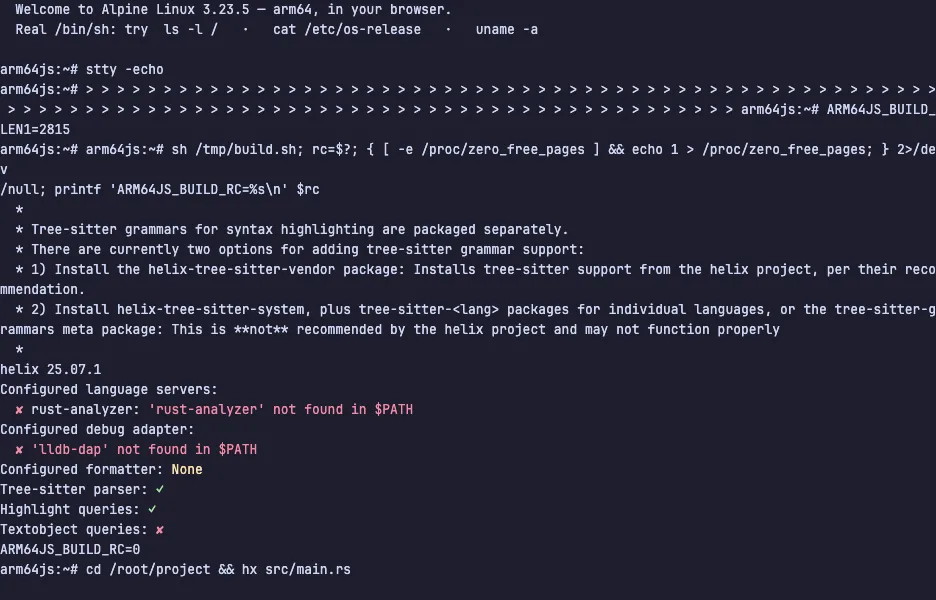
- Helix — The modal editor with selection-first editing, multiple cursors and built-in language support, running live in a private Linux VM.
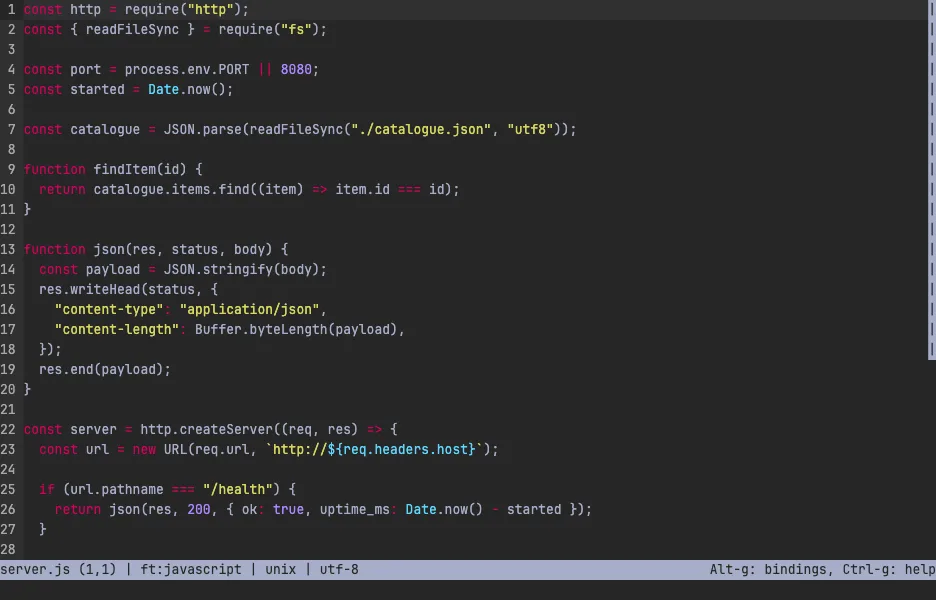
- micro — The terminal editor with ordinary shortcuts, mouse support, multiple cursors and syntax highlighting, live in a private VM.
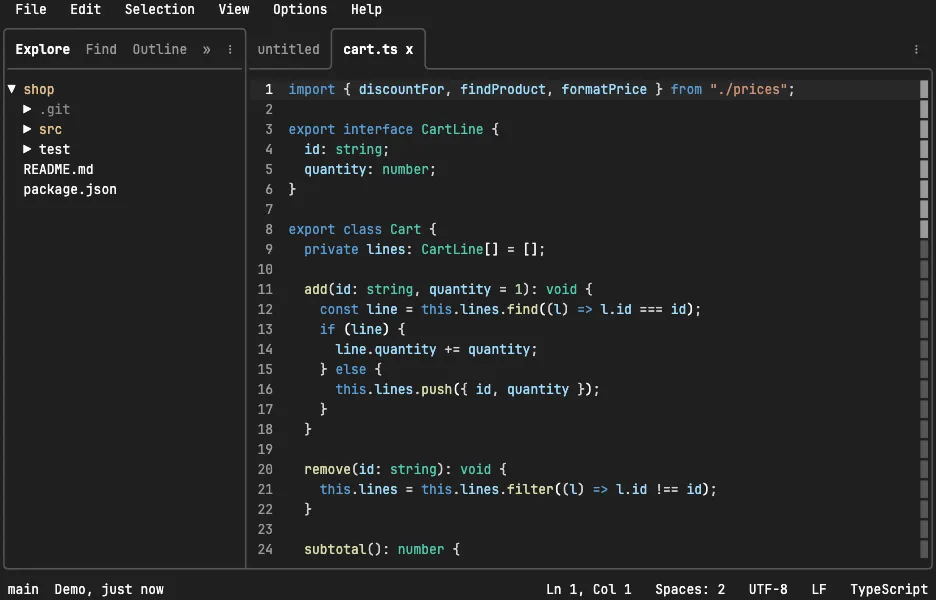
- TTT — A terminal code editor that works like VS Code, with mouse, tabs, Ctrl shortcuts, project search and git, live in a private VM.