Atlas (atlas)
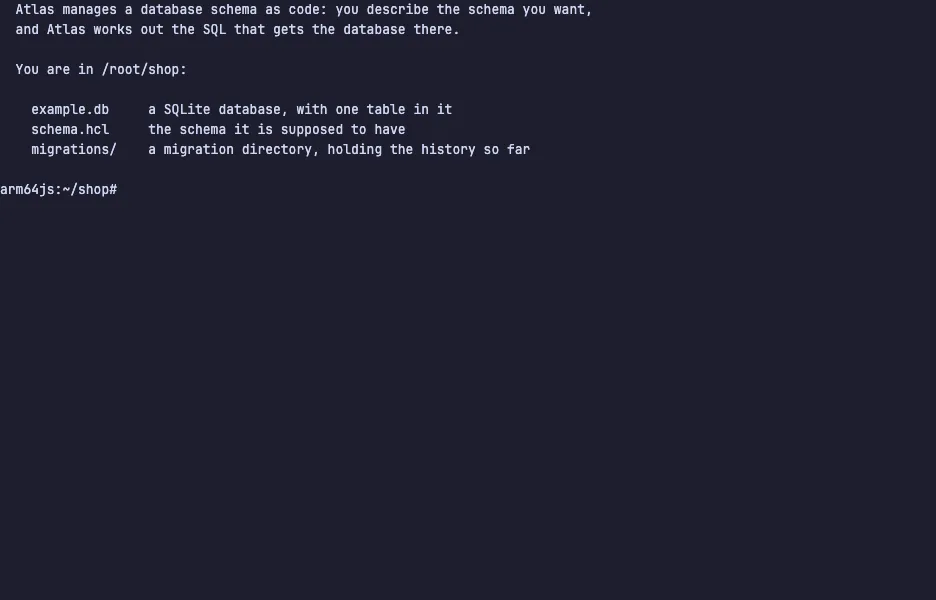
Atlas manages a database schema as code. You describe the schema you want in a file, and Atlas compares it with the database, works out the SQL that closes the gap, and shows it to you before it runs anything.
It reads an existing database and writes the schema back out as HCL or as plain SQL, so there is nothing to author by hand to get started. From there you can work either way round: apply the file straight to the database, or have Atlas write the change into a numbered migration directory with a checksum file, for a pipeline to apply later. It speaks MySQL, PostgreSQL, SQLite, SQL Server and others, and can take the schema from an ORM's models instead of a file. The build in this demo is the Apache-2.0 community one — no account, no sign-in.
The demo opens in /root/shop, with a SQLite database holding one
customers table, a schema.hcl that also has an orders table in it,
and a migration directory with the history so far. Inspect the database,
read the file, then atlas schema apply to see the SQL Atlas plans and
approve it. To get the same change as a numbered migration file instead,
run atlas migrate diff add_orders --dir "file://migrations" --to "file://schema.hcl" --dev-url "sqlite://dev?mode=memory" and read what it
wrote into migrations/. The VM is private to your browser tab; nothing
you type leaves it.
Commands to try
atlas schema inspect --url "sqlite://example.db" | what the database holds right now |
cat schema.hcl | the schema it is supposed to have |
atlas schema apply --url "sqlite://example.db" --to "file://schema.hcl" | plan the change and approve the SQL |
atlas schema inspect --url "sqlite://example.db" --format '{{ sql . }}' | the same inspection printed as SQL |
ls migrations | the migration files so far and their checksum |
Install Atlas on your own machine
| macOS / Linux | curl -sSf https://atlasgo.sh | sh |
| macOS (Homebrew) | brew install ariga/tap/atlas |
| Docker | docker pull arigaio/atlas |
This VM was last built on Oct 15, 2026. How Demoshell demos work →
Other tools you can try here
- Midnight Commander — The classic two-panel terminal file manager, running live in a private Linux VM. Nothing to install.
- Neovim Tutor — Learn Vim in your browser with Neovim's built-in interactive tutorial (vimtutor), running live in a private Linux VM. Nothing to install.
- lazygit — The terminal UI for git that stages lines, commits, rebases and browses branches from the keyboard, live in a private VM.
- Pluto — Scan a repository of Kubernetes manifests for the apiVersions your next upgrade stops serving, live in a private VM.