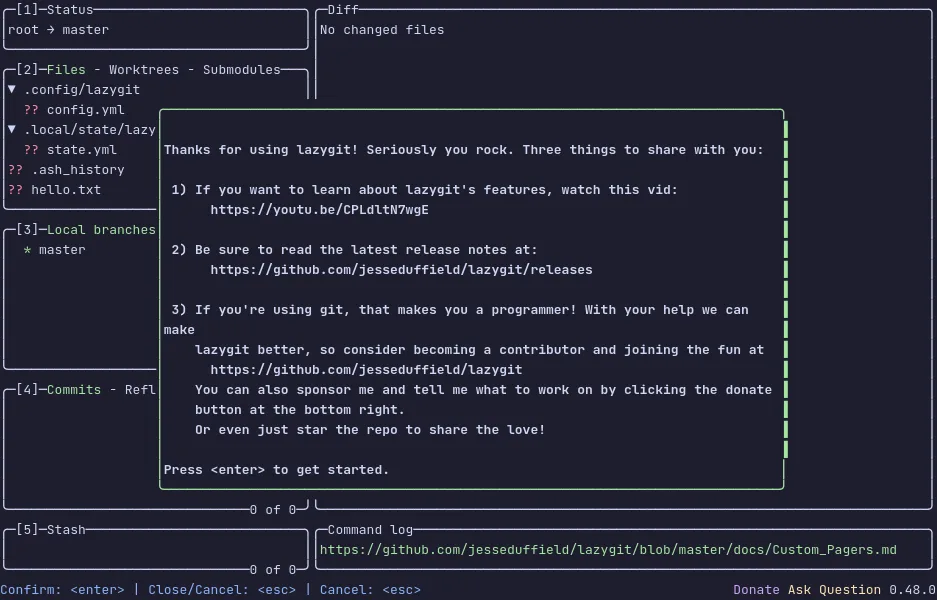
lazygit is a terminal UI for git — stage single lines, rebase interactively, browse branches and stashes, and resolve conflicts without leaving the keyboard or memorising another flag.
The screen is a set of panels — files, branches, commits, stash — and the
keys are the same everywhere: Space stages, Enter goes deeper, c
commits. An interactive rebase is picking commits in a list and pressing
a letter to squash, reword or drop them; a conflict is a side-by-side
picker. Every action shows the git command it ran, so it teaches git
rather than hiding it.
The demo above is a real repository inside a private VM in your browser.
Press 2 for the files panel, Space to stage one, Enter to stage only
part of it, c to commit, and ? at any point for the keys that work
right now. Nothing you type leaves the tab.
Keys to know
1 2 3 4 5 | jump between the status, files, branches, commits and stash panels |
Tab / arrows | move between panels and rows |
Space | stage or unstage the selected file |
Enter | open a file and stage single lines or hunks |
c | commit |
p / P | pull and push |
z | undo the last operation |
? | show the keys that work in this panel |
q | quit |
Install lazygit on your own machine
| Alpine | apk add lazygit |
| macOS (Homebrew) | brew install lazygit |
| Arch | pacman -S lazygit |
| Go | go install github.com/jesseduffield/lazygit@latest |
This VM was last built on Oct 15, 2026. How Demoshell demos work →
Similar tools you can try here
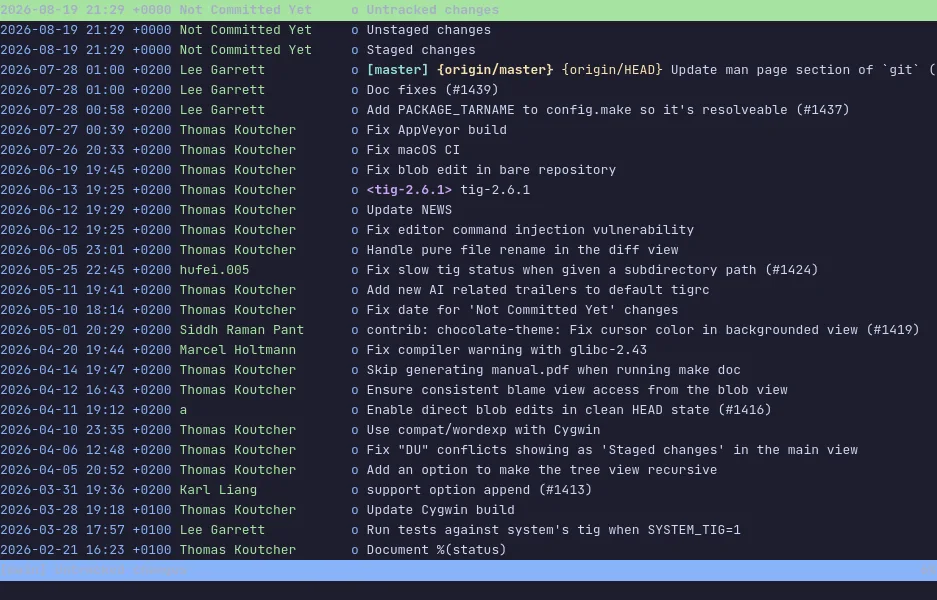
- tig — The ncurses interface for git that walks the log, reads diffs and stages changes from the keyboard, live in a private Linux VM.
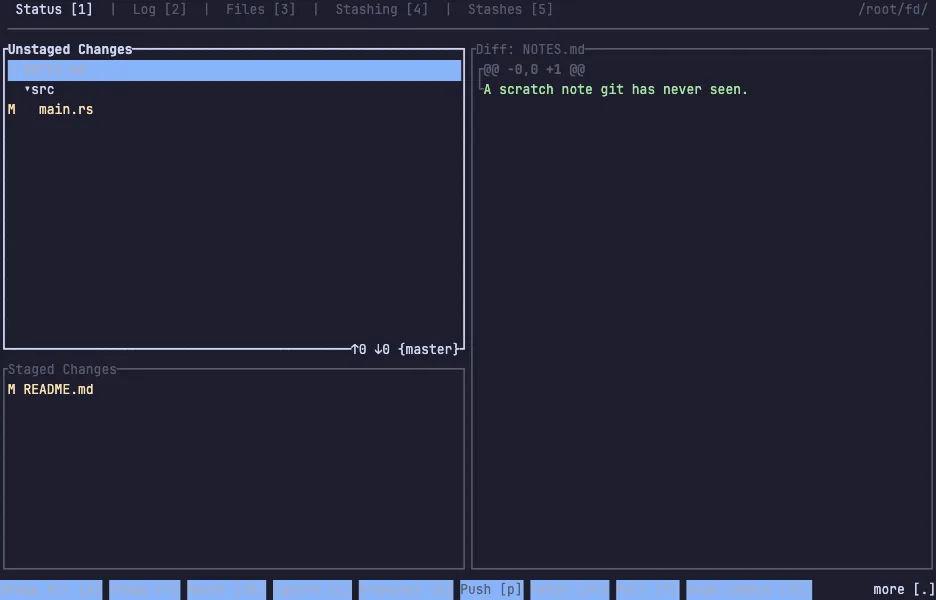
- gitui — The fast Rust git client for the terminal that stages hunks, commits and reads the log, with every key listed on screen.
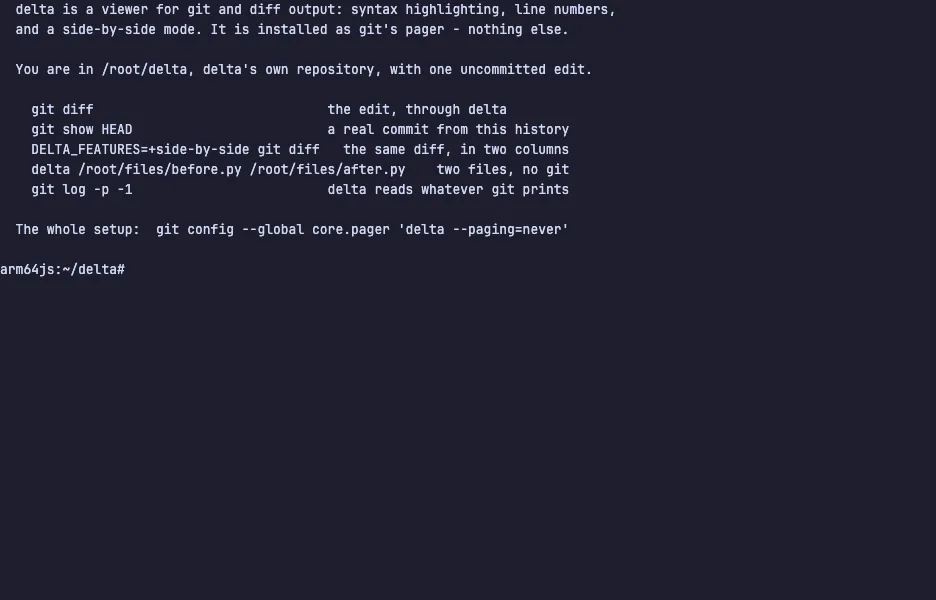
- delta — The syntax-highlighting pager that makes git diff readable, with line numbers and side-by-side view, live in a private VM.
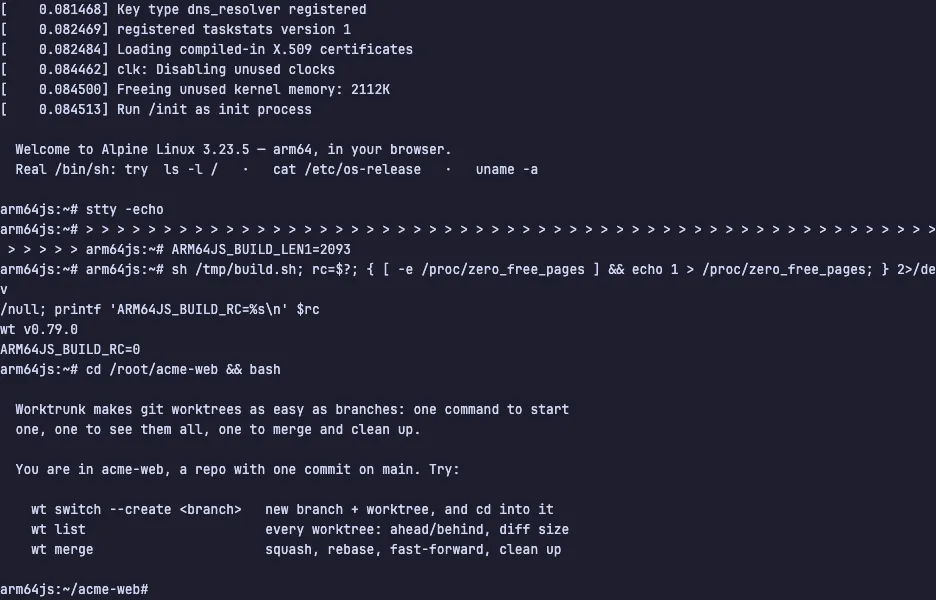
- Worktrunk — The CLI that makes git worktrees as easy as branches, from create to merge, live in a private Linux VM.