Worktrunk (worktrunk)
Worktrunk (wt) is a command-line tool that makes git worktrees as easy
to use as branches. A worktree is a second working directory for the same
repository, checked out on its own branch, so two changes can be worked
on at once without stashing. It was built for running several AI coding
agents in parallel, each in its own worktree, but it works just as well
for one person juggling a few changes.
Plain git makes you name the branch three times to start a worktree
(git worktree add -b feat ../repo.feat, then cd ../repo.feat) and
three more commands to clean one up. Worktrunk addresses worktrees by
branch name and works out the paths itself. wt switch --create makes
the branch and the worktree and moves you into it, wt list shows every
worktree with how far it is ahead of main and how big its diff is, and
wt merge squashes, rebases, lands the change on main and removes the
worktree and branch in one step. Hooks can run setup on each new
worktree, such as installing dependencies or starting a dev server.
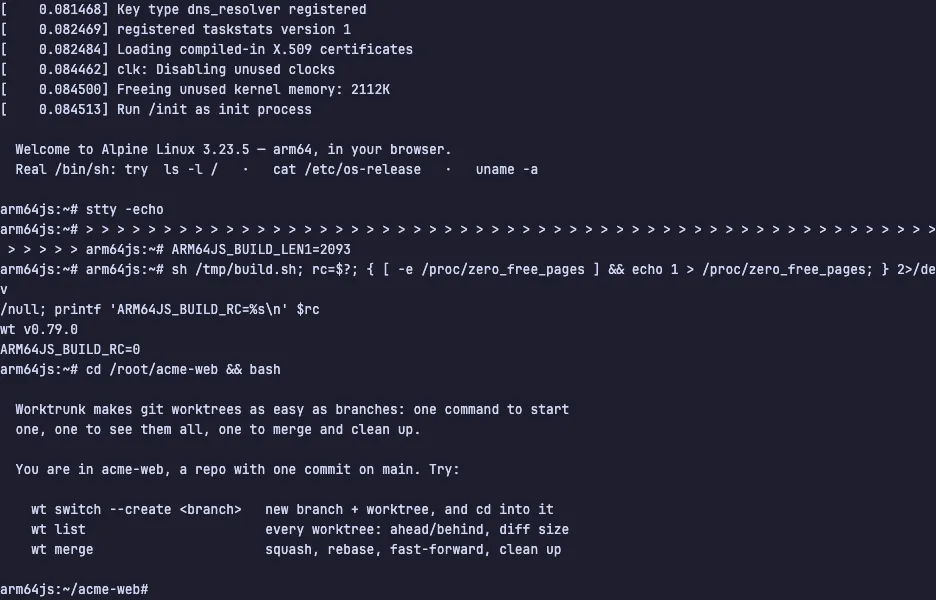
The demo opens a shell in acme-web, a small repository with one commit
on main. The guide walks through one change from start to finish: start
a worktree with wt switch --create raise-price, edit pricing.txt,
commit, see the branch one commit ahead in wt list, then wt merge it
and watch the worktree disappear from the list. The VM is private to
your browser tab; nothing you type leaves it.
Commands to try
wt switch --create raise-price | a new branch and its worktree, and a cd into it |
wt list | every worktree, with commits ahead of main and the size of its diff |
wt merge | the branch lands on main, and its worktree and branch are removed |
git log --oneline | the merged commit sitting on main |
Install Worktrunk on your own machine
| macOS / Linux (Homebrew) | brew install worktrunk && wt config shell install |
| cargo | cargo install worktrunk && wt config shell install |
| Arch | sudo pacman -S worktrunk && wt config shell install |
This VM was last built on Sep 22, 2026. How Demoshell demos work →
Similar tools you can try here
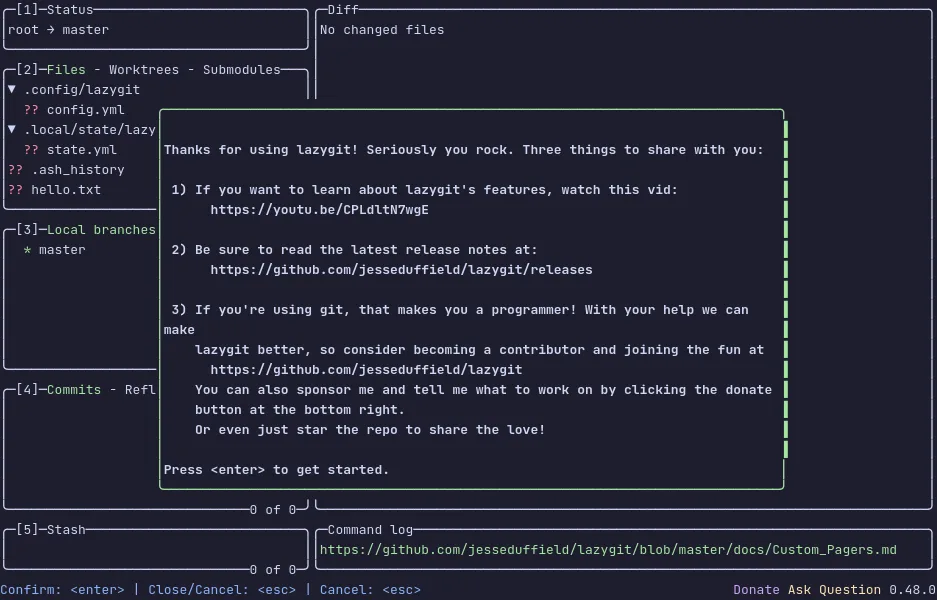
- lazygit — The terminal UI for git that stages lines, commits, rebases and browses branches from the keyboard, live in a private VM.
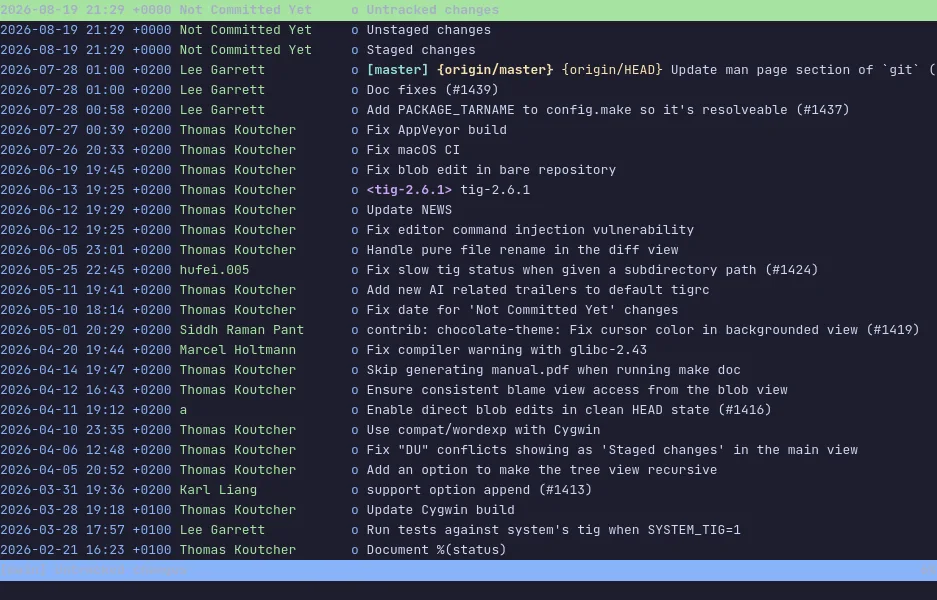
- tig — The ncurses interface for git that walks the log, reads diffs and stages changes from the keyboard, live in a private Linux VM.
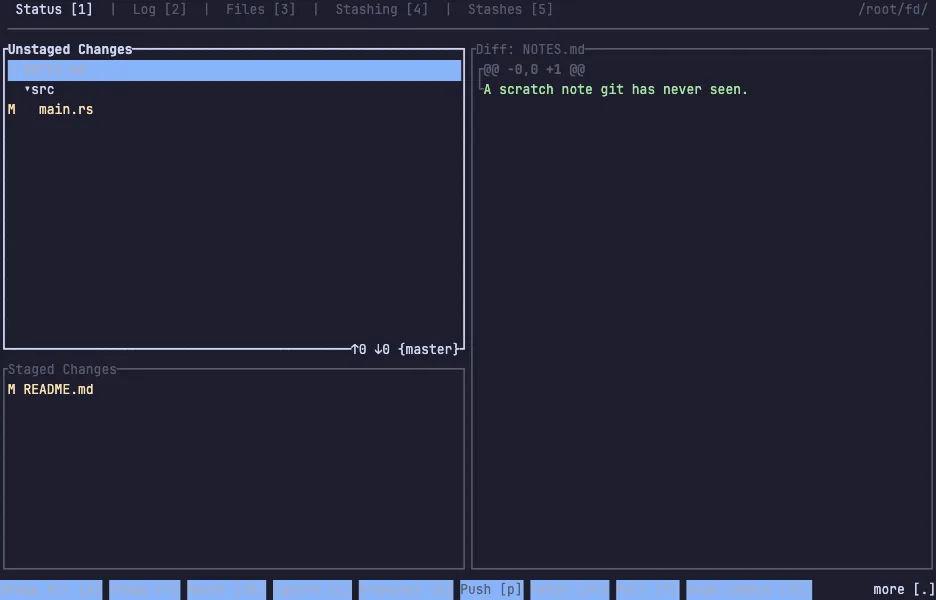
- gitui — The fast Rust git client for the terminal that stages hunks, commits and reads the log, with every key listed on screen.
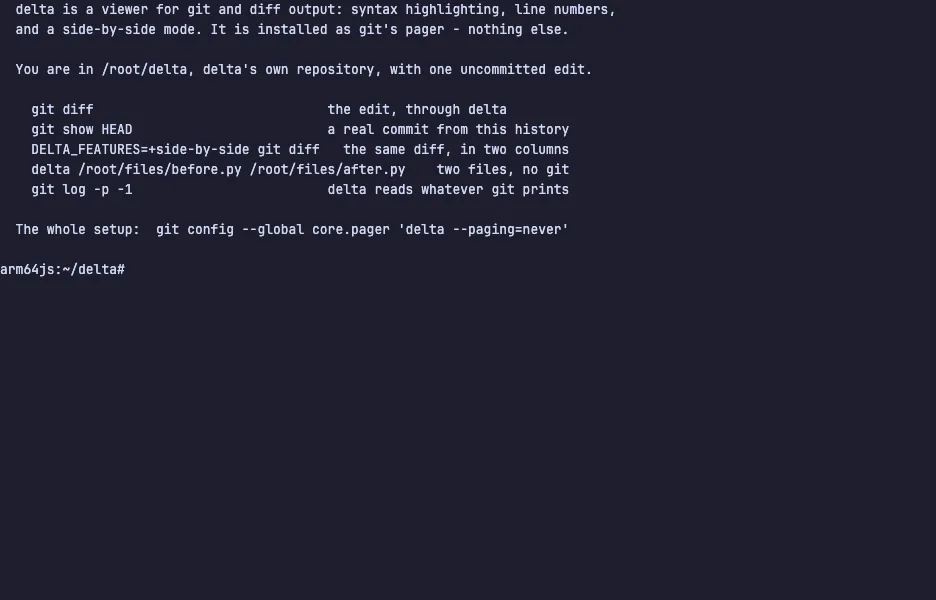
- delta — The syntax-highlighting pager that makes git diff readable, with line numbers and side-by-side view, live in a private VM.