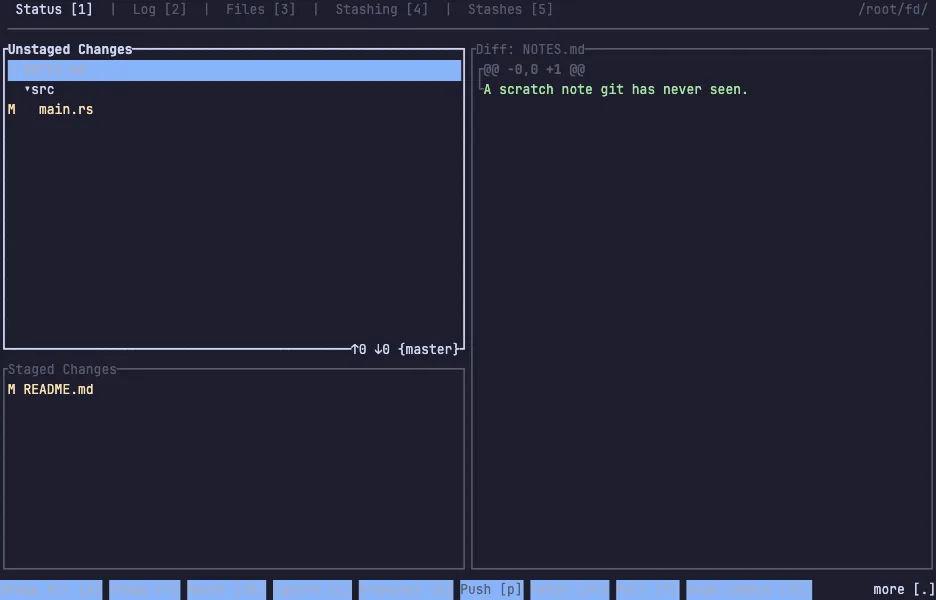
gitui is a git client for the terminal — stage single hunks, write commits, read diffs and walk the log without typing a git command or remembering another flag. The bar at the bottom always lists the keys that work right now.
It is written in Rust and built for speed: the log of a repository with hundreds of thousands of commits scrolls without a pause, and it stays responsive while git is busy in the background. Staging is per line as well as per hunk, there is a file tree, a blame view, and stash management, and every key is configurable.
The demo opens a clone of fd's source tree with three pending changes
waiting: one edited, one staged, one git has never seen. Press Enter to
stage or unstage whatever is selected, c to write a commit, and 2 for
the log. The VM is private to your browser tab; nothing you type leaves
it.
Keys to know
Tab | move to the next tab |
1 2 3 4 5 | jump to status, log, files, stashing and stashes |
Enter | stage or unstage whatever is selected |
c | write a commit |
d | show the diff |
Esc | back |
q | quit |
Install gitui on your own machine
| Alpine | apk add gitui |
| macOS (Homebrew) | brew install gitui |
| Arch | pacman -S gitui |
| cargo | cargo install gitui |
This VM was last built on Oct 15, 2026. How Demoshell demos work →
Similar tools you can try here
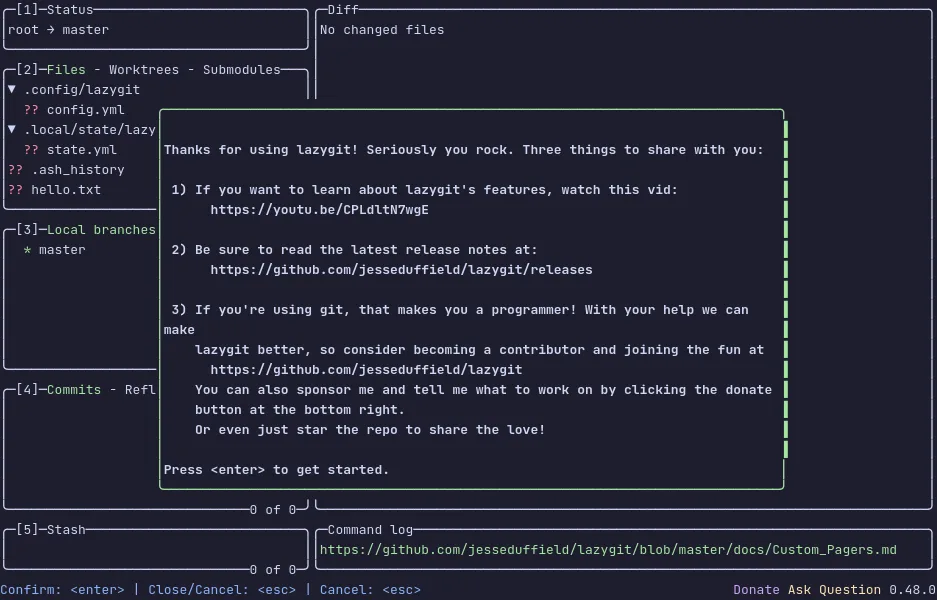
- lazygit — The terminal UI for git that stages lines, commits, rebases and browses branches from the keyboard, live in a private VM.
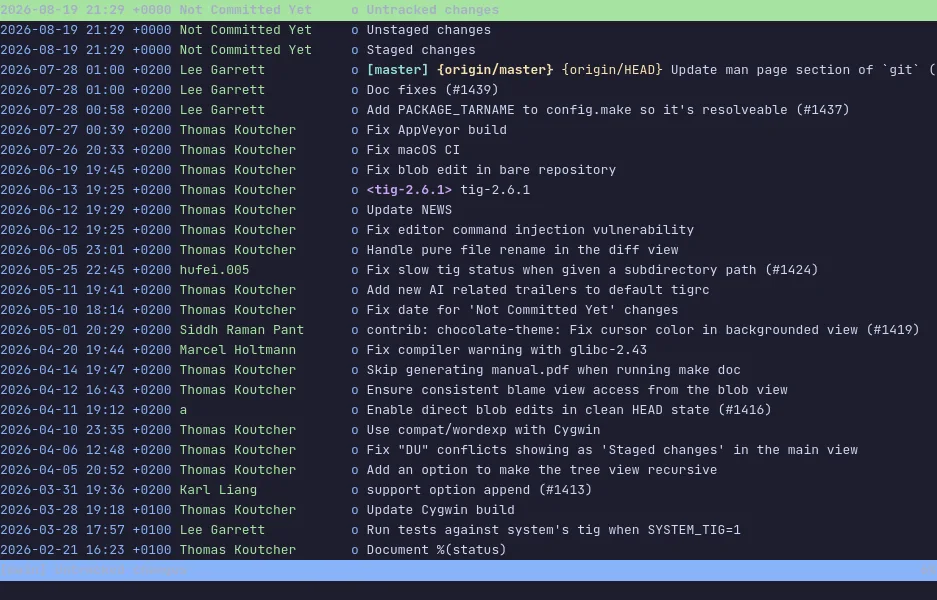
- tig — The ncurses interface for git that walks the log, reads diffs and stages changes from the keyboard, live in a private Linux VM.
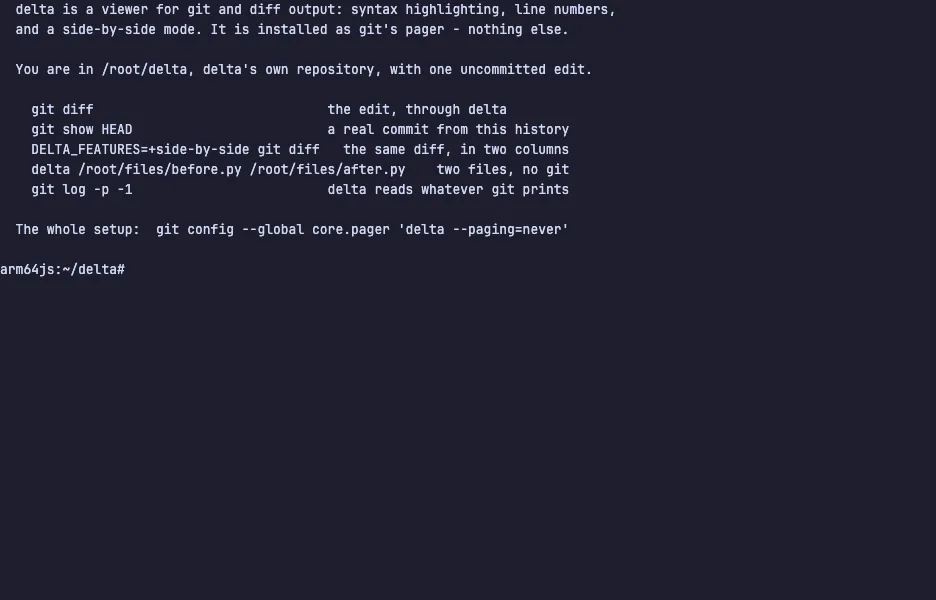
- delta — The syntax-highlighting pager that makes git diff readable, with line numbers and side-by-side view, live in a private VM.
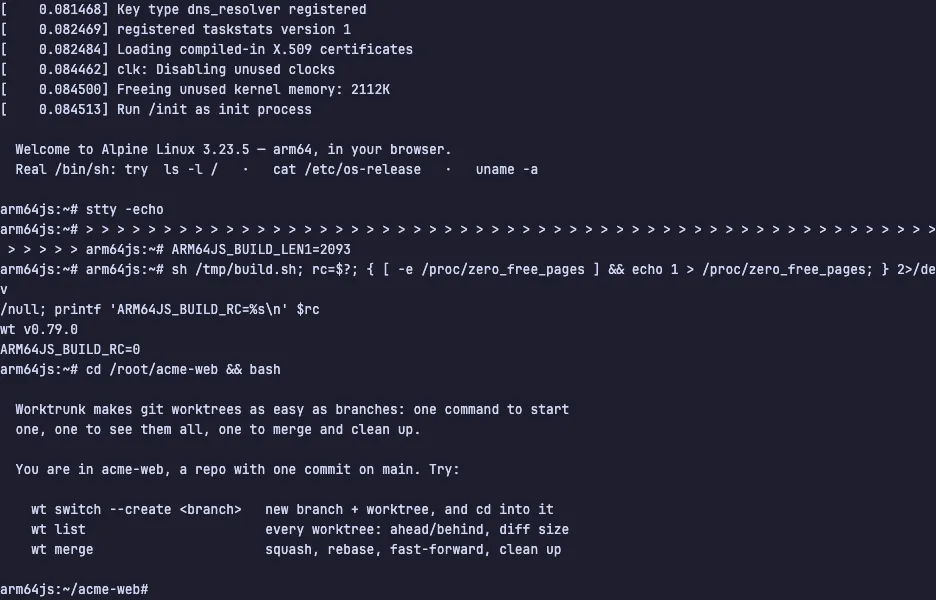
- Worktrunk — The CLI that makes git worktrees as easy as branches, from create to merge, live in a private Linux VM.