delta makes git diff readable: syntax-highlighted code, both files' line
numbers down the middle, and the words that actually changed within a line
picked out from the rest. Set it once as git's pager and every diff you
ever run looks like this.
It is a pager, not a diff tool — git still computes the diff, delta only
draws it — so it works with git diff, git show, git log -p, git blame and anything else that produces a diff, and it can read a diff
from a pipe. Side-by-side layout, navigation between files with n,
hyperlinks to commits and a hundred colour themes are a config line each.
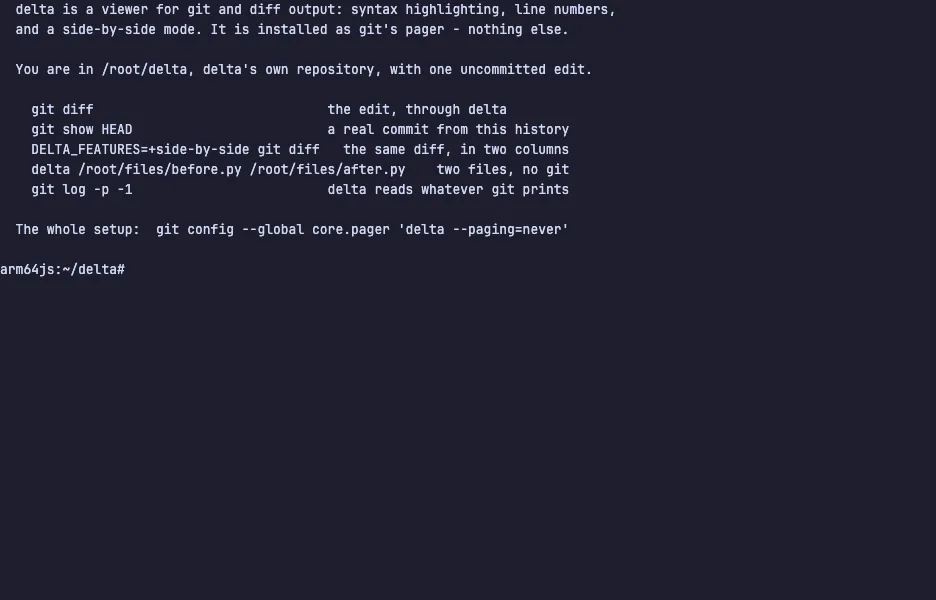
The demo opens delta's own source with an uncommitted edit in it. Run git diff, then DELTA_FEATURES=+side-by-side git diff to put the two
versions in columns, git show HEAD to read a real commit, and delta /root/files/before.py /root/files/after.py to compare two files with no
git involved at all. The VM is private to your browser tab; nothing you
type leaves it.
Commands to try
git diff | the working-tree change, highlighted, with both line numbers |
DELTA_FEATURES=+side-by-side git diff | the two versions in columns |
git show HEAD | a real commit, read the same way |
delta before.py after.py | two files compared with no git involved |
git config --global core.pager delta | how you set it up on your own machine |
Install delta on your own machine
| Alpine | apk add delta |
| Debian / Ubuntu | apt install git-delta |
| macOS (Homebrew) | brew install git-delta |
| cargo | cargo install git-delta |
This VM was last built on Oct 5, 2026. How Demoshell demos work →
Similar tools you can try here
- lazygit — The terminal UI for git that stages lines, commits, rebases and browses branches from the keyboard, live in a private VM.
- tig — The ncurses interface for git that walks the log, reads diffs and stages changes from the keyboard, live in a private Linux VM.
- gitui — The fast Rust git client for the terminal that stages hunks, commits and reads the log, with every key listed on screen.
- Worktrunk — The CLI that makes git worktrees as easy as branches, from create to merge, live in a private Linux VM.